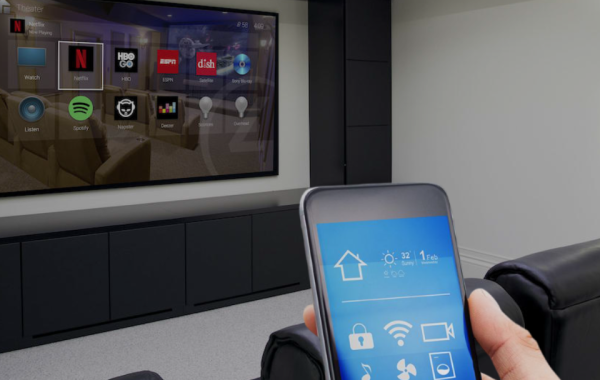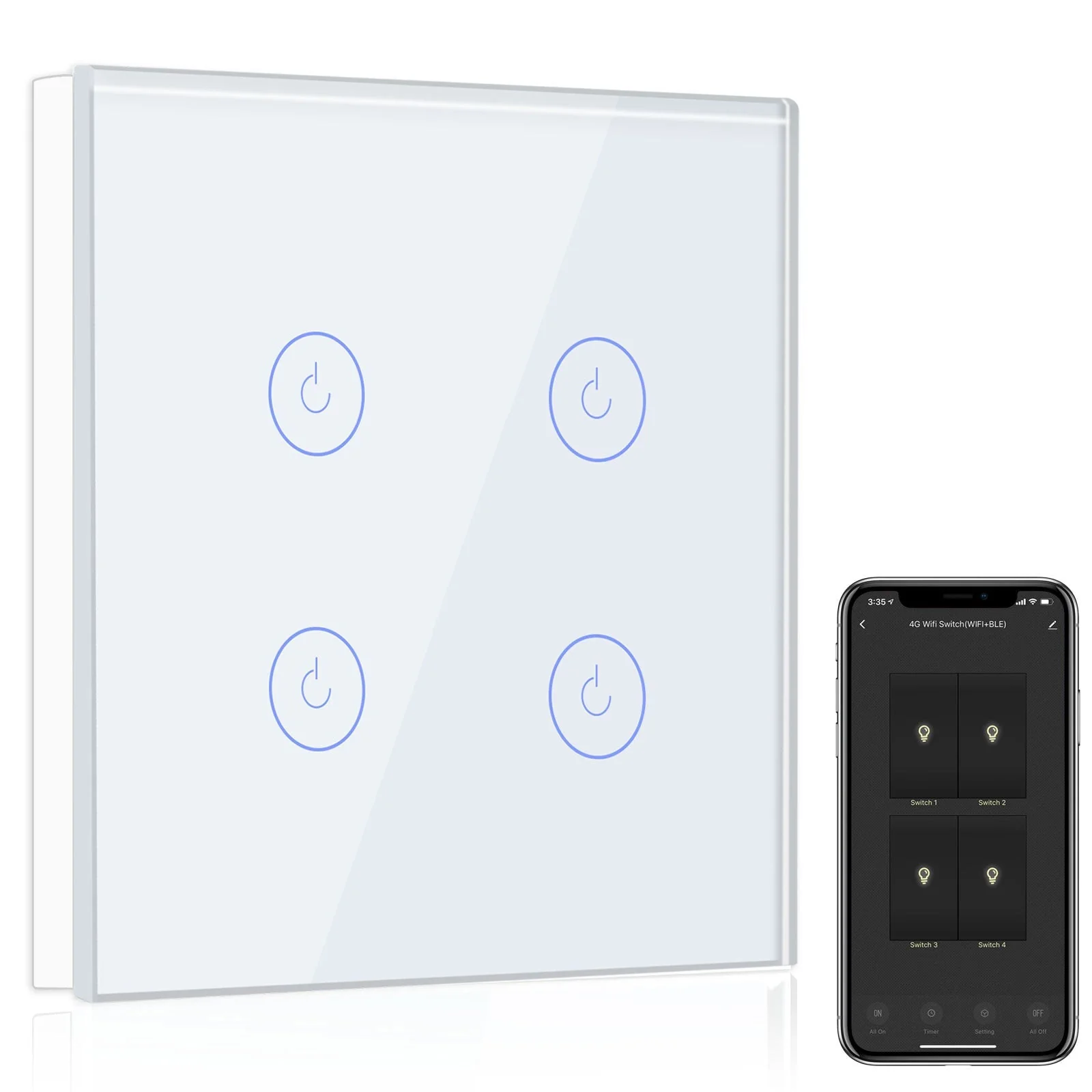

Smart homes are no longer a futuristic dream — they’re rapidly becoming the new normal in Indian households. Among the many smart devices available, smart switches for home India offer one of the most impactful and cost-effective ways to upgrade a living space. These switches replace traditional wall units and let you control lights, fans, and other appliances via smartphone apps, voice assistants, automation, and schedules. In this blog, we’ll explore smart switches tailored for Indian homes: what they are, why you need them, types, installation tips, compatibility considerations, leading brands, pricing, pros & cons, and a practical buyer’s checklist.
Why choose smart switches for your Indian home?
- Convenience and control — Control lights and fans remotely using your phone or voice. No more getting out of bed to switch off the lights.
- Energy savings — Schedule lights, set timers, and reduce wastage. Modern smart switches also work with energy-monitoring systems to show consumption patterns.
- Safety and security — Automate lights to simulate presence when you’re away, integrate with motion sensors, and ensure critical lights turn on during emergencies.
- Aesthetics and modernisation — Many smart switches come in sleek designs with glass panels, soft-touch buttons, and LED indicators that elevate your interiors.
- Future-proofing your home — As smart home ecosystems expand, a smart switch is often the first step that enables integration with other devices like smart bulbs, sensors, and home assistants.
- Local compatibility — Smart switches designed for India consider the local voltage, wiring practices, and common form factors, making them easier to install and reliable.
Types of smart switches available in India
Smart switches come in several flavours — from simple Wi‑Fi toggles to advanced multi-gang, dimmer, and hybrid switches. Here’s a breakdown:
1. Wi‑Fi smart switches
These are the most common. They connect directly to your home Wi‑Fi and can be controlled via the manufacturer’s app and integrated with Alexa or Google Assistant. Pros: easy to set up, no hub required. Cons: each switch uses the home Wi‑Fi, which can increase network load if you have many devices.
2. Zigbee / Z‑Wave smart switches
These require a hub (like Amazon Echo with Zigbee, or a dedicated hub) and use low-power mesh networks. Pros: robust mesh connectivity, lower latency, better for homes with many devices. Cons: need for hub and sometimes more technical setup.
3. Bluetooth smart switches
Bluetooth switches pair directly with phones or a Bluetooth gateway. Pros: no internet dependency for local control and quick pairing. Cons: limited range and fewer integrations.
4. Hybrid switches (Wi‑Fi + Bluetooth)
Some models support multiple protocols, providing both local Bluetooth control and cloud-based Wi‑Fi access for remote control. These can be versatile for different household needs.
5. Dimmer switches
Ideal for living rooms and bedrooms where ambient lighting is key. Dimmer smart switches allow smooth brightness control from the app or via voice.
6. Multi‑gang smart switches
These replace a plate with multiple switches, ideal for living rooms with several light circuits. They consolidate control and allow independent management of each gang.
7. Relay-based smart modules (Behind-the-switch modules)
These are small modules installed behind the existing switch or inside a junction box. They keep the original switch and add intelligence. Great for heritage homes where aesthetics must remain unchanged.
8. Infrared / Universal remote switches
Designed to control IR-based appliances (ACs, TVs) by emulating remotes. They’re more specialized but useful in many Indian households.
Key features to look for in a smart switch
When shopping, focus on these features:
- Protocol: Wi‑Fi, Zigbee, Z‑Wave, Bluetooth. Choose based on your existing ecosystem.
- Number of gangs: Single, double, triple — match your current switch plate wiring.
- Dimmer support: For adjustable brightness.
- Load capacity: Check wattage ratings for bulbs, fans, or other appliances.
- Neutral wire requirement: Many smart switches need a neutral wire. India’s older houses sometimes lack neutrals in the switch box—look for no-neutral models if needed.
- Voice assistant compatibility: Alexa, Google Assistant, Siri/HomeKit.
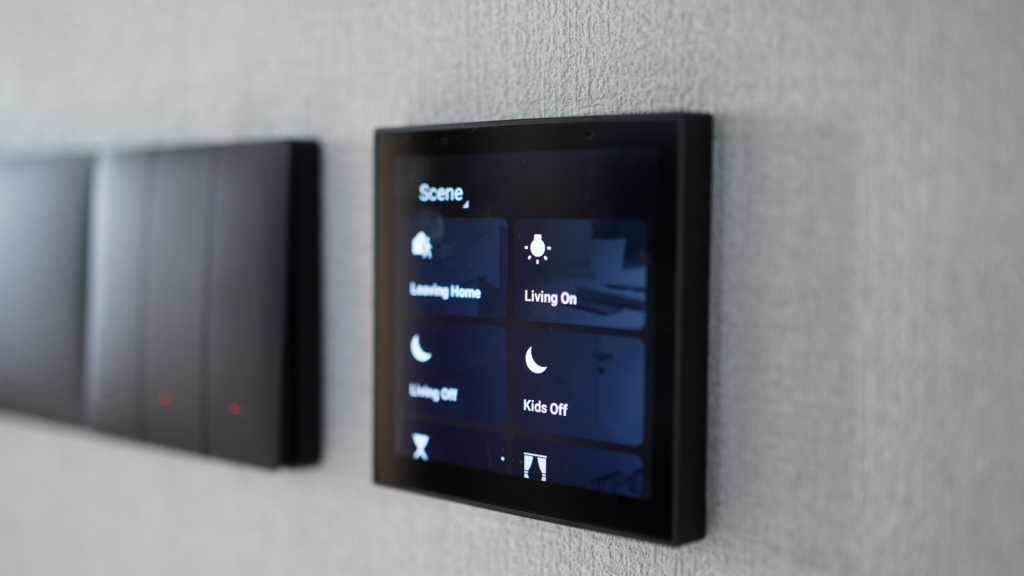
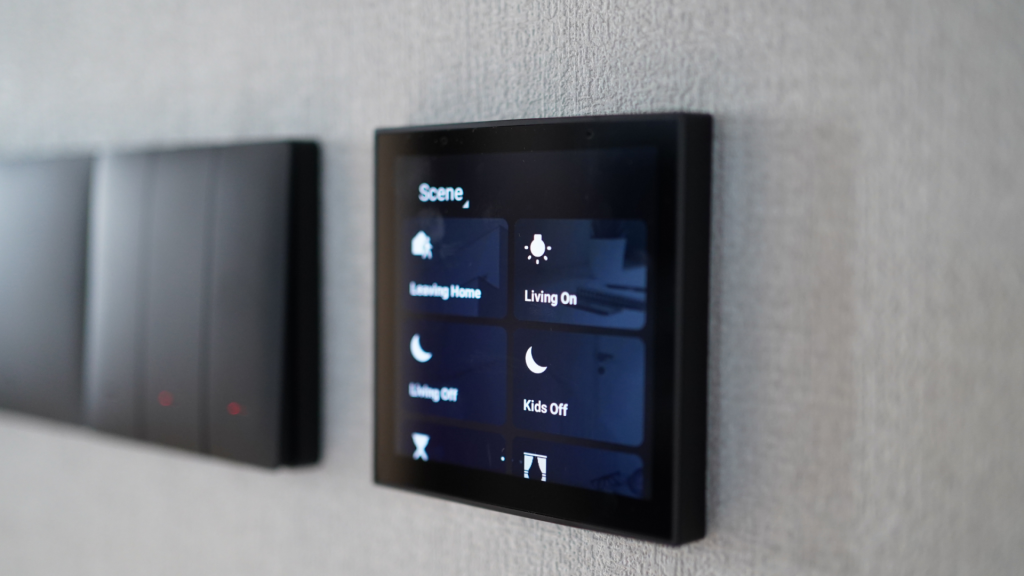
- Scene and schedule support: For automations and timed control.
- Local control vs cloud control: If privacy or offline use matters, prefer models with strong local control.
- Energy monitoring: Optional but useful for tracking usage.
- Safety certifications: ISI / BIS markings and fire-resistant materials.
- Design and finish: Tempered glass plates, backlit buttons, flush designs.
Neutral wire — the Indian wiring snag and solutions
One common issue in Indian homes is the absence of a neutral wire in the switch box. Traditional switch wiring in India often uses a two‑wire system: live and switched live — neutral stays at the fixture. Many smart switches require a neutral for powering their electronics. Here’s how to handle it:
- Use no‑neutral smart switches: Several manufacturers provide no‑neutral models specifically for older homes.
- Install a relay or module at the fan/fixture: Behind-the-switch modules or smart relays can be installed at the fan box where the neutral is available.
- Rewire (if feasible): An electrician can extend the neutral into the switch box — more work and cost but future-proofs the home.
Always consult a qualified electrician for wiring changes.
Installation: DIY vs professional
Many smart switches are designed for DIYers and come with step-by-step apps and wiring diagrams. However, electrical safety and local wiring differences make hiring a licensed electrician a wise choice for most Indian households. Consider the following:
- DIY-friendly models: Look for clear wiring diagrams, no-neutral designs (if you don’t have neutral), and screwless mounting for easier installation.
- Professional installation: Recommended when altering wiring, dealing with high-load circuits (ACs, geysers), or installing behind-the-switch modules in ceiling boxes.
- Safety practices: Turn off power at the breaker, use insulated tools, and verify voltage with a tester.
Compatibility with home assistants and ecosystems
Smart switches should ideally work with:
- Amazon Alexa — voice control and routines.
- Google Assistant — voice control and integration with Google Home routines.
- Apple HomeKit — fewer switches in India support it, but HomeKit offers stronger privacy and local control for Apple users.
When picking a switch, check the brand’s compatibility list. If you already use a smart speaker or hub, prefer switches that integrate natively to avoid bridging solutions.
Top use-cases in Indian homes
- Automatic porch and security lighting — link with motion sensors to light the porch at night.
- Fan schedules — schedule ceiling fans to turn off after sleep or on before you wake up.
- Mood lighting — dim living room lights or sequence lights for movie nights.
- Vacation mode — randomize lights to simulate presence while you’re away.
- Energy-saving rules — turn off lights when no motion is detected in rooms like bathrooms or study rooms.
- Remote control for elderly family members — children or caregivers can control lights from anywhere.
Popular smart switch brands in India (overview)
There are numerous brands catering to the Indian market — both international and homegrown. Look for brands that offer local customer support, India‑specific wiring options, and spares availability. While I won’t list every brand, typical categories are:
- Global smart home brands — often carry feature-rich switches but check for India-specific SKUs and voltage compatibility.
- Indian brands and startups — focused on local needs like no-neutral models and local apps.
- Electrical giants — established switch manufacturers adding smart options with trusted hardware.
When choosing a brand, consider warranty, service network, and reviews from Indian customers.
Pricing: what to expect in India
Prices vary based on features and build quality. A rough expectation:
- Basic Wi‑Fi single gang switch: Affordable range — suitable for starter smart homes.
- Premium glass finish dimmer/multi‑gang: Mid to high range due to materials and design.
- Zigbee/Z‑Wave models and relay modules: Slightly higher due to protocol chips and hub dependency.
- Behind-the-switch relay modules: Cost-effective when upgrading many switches without changing faceplates.
Also factor in installation charges and possible electrician costs if rewiring is needed.
Pros and cons of smart switches
Pros
- Significant convenience and remote control.
- Better energy management and scheduling.
- Clean, modern look and reduced clutter (no separate smart bulbs needed).
- Option to keep physical switch functionality.
Cons
- Dependence on internet/cloud for some models (though local control exists for many).
- Potential compatibility quirks across ecosystems.
- Initial cost and possible rewiring expense.
- Security considerations — pick brands with good update policies.
Security and privacy considerations
Smart switches connected to the internet create a new attack surface. Keep these in mind:
- Choose reputable brands with a history of firmware updates.
- Change default passwords on hubs and routers.
- Use a guest Wi‑Fi network for IoT devices to isolate them from main devices.
- Keep firmware up to date to patch vulnerabilities.
- Local control options are preferable if you’re privacy-focused.
Integrating smart switches with other smart home components
Smart switches often act as the backbone of a smart home. Use them with:
- Motion sensors to automate lighting.
- Smart plugs for lamps and appliances where wiring is not feasible.
- Smart bulbs and LED strips for color/mood lighting alongside dimmers.
- Home security systems to trigger lights during alarms.
- Energy monitors and smart meters to correlate usage with lighting.